
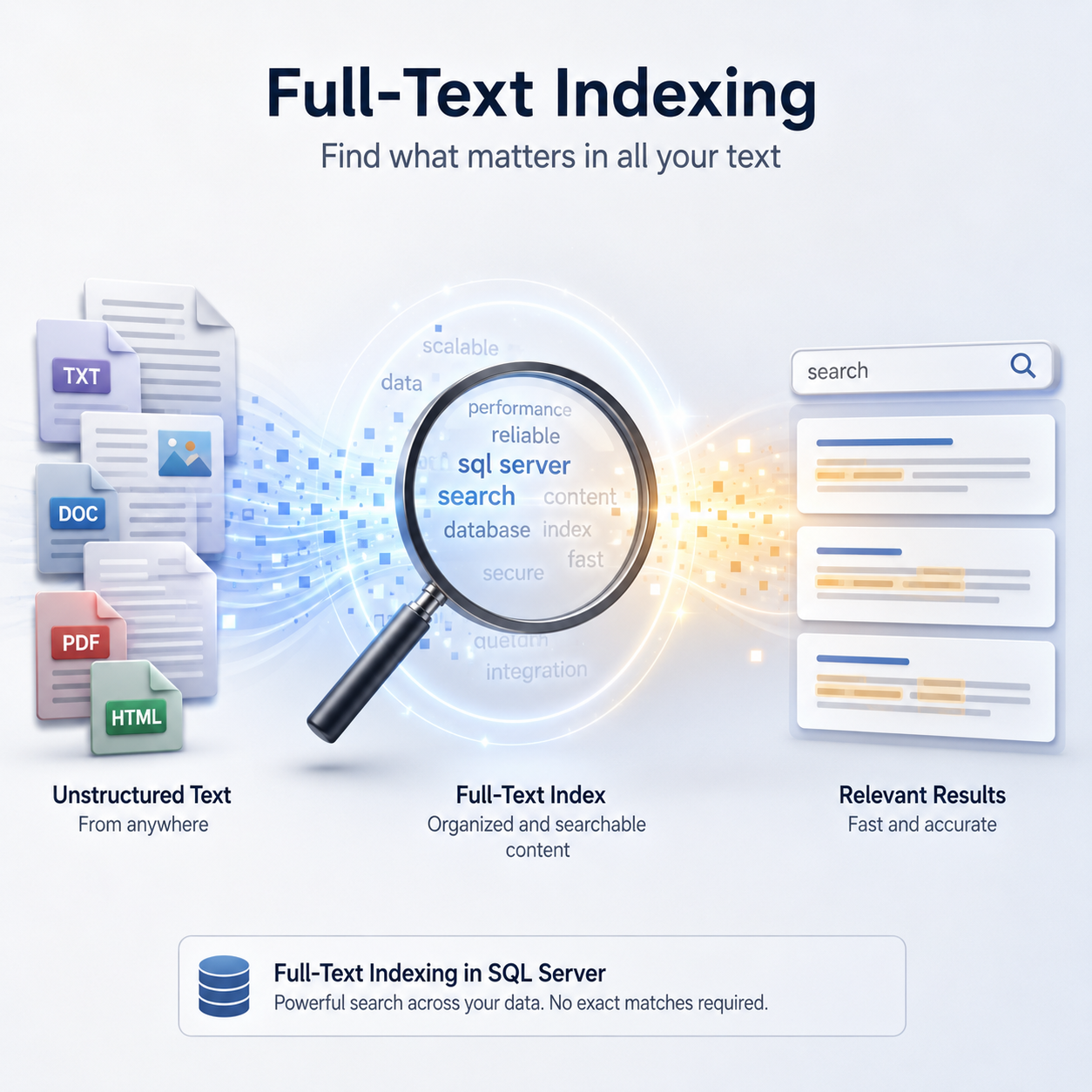
This post is not a warning against SQL Server 2025. It IS a warning regarding one of the gotchas that can occur with any upgrade. In this case, the full-text index breaking change. SQL 2025 is still an excellent version of SQL Server and one we would generally recommend to clients who are considering an upgrade.
Why use Full-Text Indexes?
The Full-Text Engine manages full-text indexes. The engine splits your text columns into individual terms and builds an inverted index, mapping each term back to the rows in which it appears. Unlike a standard B-tree index, the structure lives outside the normal index internals and is maintained asynchronously via a background process called a crawl. Effectively, each word in your text string ends up indexed, rather than the string as a whole. This makes certain types of searches much more efficient (you need to use search terms like CONTAINS() to utilize full text indexes).
If you have to search strings like this then full-text indexes can be very effective. String searching isn’t great in SQL Server, but this is definitely a tool in your belt if you have a requirement that makes it useful.
Full-Text Indexes in SQL Server 2025
Microsoft publishes lists of breaking changes (if there are any) as well as deprecated features for each release of SQL Server. The 2025 edition is no different:
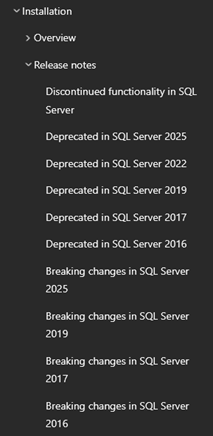
One of the important changes to make a note of is that, after upgrading, your full text indexes will be broken unless we make one of two changes. If you don’t take action, you will begin to see errors like this in your error log:
2026-01-01 00:00:00.00 spid67s Error ‘0x80070002’ occurred during full-text index population for table or indexed view ‘[TableName].[SchemaName].[ObjectName]’ (table or indexed view ID ‘132456789’, database ID ’67’), full-text key value ‘1324567890’. Attempt will be made to reindex it. If recently performed in-place upgrade to SQL2025, For help please see https://aka.ms/sqlfulltext.
Why? Microsoft changed the architecture of how full-text indexes are stored behind the scenes. Because this is a significant change, there are now two versions of full text searches we can use. To see which one you’re on, you can run the query below:


SELECT *
FROM sys.database_scoped_configurations
WHERE [name] = 'FULLTEXT_INDEX_VERSION';
If you’re showing version 1, then this is the pre-2025 legacy setting; version 2 is the 2025 and beyond setting.
Legacy Full Text Setting
The previous version is now marked as legacy and you must explicitly enabled it if you want to continue using it, as follows:
ALTER DATABASE SCOPED CONFIGURATION
SET FULLTEXT_INDEX_VERSION = 1;
As per the documentation, you’ll then need to copy your legacy word breaker and filter binaries from your original instance.
We would only suggest using this legacy option if you have a specific need to use it (e.g. a vendor app requirement or similar), just as we would with other deprecated or legacy features of SQL Server.
Upgrade Full-Text to 2025
The more future-proof way of ensuring your full text indexes work after an upgrade is to rebuild your catalogs manually. This kicks off a new crawl and upgrades your full-text indexes to work with the more modern version of the engine.
ALTER FULLTEXT CATALOG [FtCatalog] REBUILD;The full text crawl will happen behind the scenes. If you want to investigate other issues you may have with full-text indexes, check out our Fixing Full-Text Indexes blog post.
If you are a control freak (like a lot of us), you can use the script below to check the status of your full-text crawls at a table level for all databases and tables on your server.
USE master;
GO
IF OBJECT_ID('tempdb..#FullTextTables') IS NOT NULL
DROP TABLE #FullTextTables;
CREATE TABLE #FullTextTables
(
database_name sysname,
schema_name sysname,
table_name sysname,
fulltext_catalog sysname,
is_enabled BIT,
change_tracking_state_desc NVARCHAR(60),
has_crawl_completed BIT
);
DECLARE @db sysname;
DECLARE @SQL NVARCHAR(MAX);
DECLARE dbs CURSOR FAST_FORWARD FOR
SELECT d.name
FROM sys.databases AS d
WHERE d.state_desc = 'ONLINE'
AND d.database_id > 4; -- skip master, tempdb, model, msdb
OPEN dbs;
FETCH NEXT FROM dbs INTO @db;
WHILE @@FETCH_STATUS = 0
BEGIN
SET @SQL = N'
BEGIN TRY
USE ' + QUOTENAME(@db) + N';
INSERT INTO #FullTextTables
(
database_name,
schema_name,
table_name,
fulltext_catalog,
is_enabled,
change_tracking_state_desc,
has_crawl_completed
)
SELECT
DB_NAME() AS database_name,
s.name AS schema_name,
t.name AS table_name,
c.name AS fulltext_catalog,
fi.is_enabled,
fi.change_tracking_state_desc,
fi.has_crawl_completed
FROM sys.fulltext_indexes AS fi
INNER JOIN sys.tables AS t
ON t.object_id = fi.object_id
INNER JOIN sys.schemas AS s
ON s.schema_id = t.schema_id
INNER JOIN sys.fulltext_index_catalog_usages AS ficu
ON ficu.object_id = fi.object_id
INNER JOIN sys.fulltext_catalogs AS c
ON c.fulltext_catalog_id = ficu.fulltext_catalog_id;
END TRY
BEGIN CATCH
-- ignore databases you cannot access
END CATCH;';
EXEC sys.SP_EXECUTESQL @SQL;
FETCH NEXT FROM dbs INTO @db;
END
CLOSE dbs;
DEALLOCATE dbs;
DELETE #FullTextTables WHERE has_crawl_completed = 1
SELECT
database_name,
schema_name,
table_name,
fulltext_catalog,
is_enabled,
change_tracking_state_desc,
has_crawl_completed
FROM #FullTextTables
ORDER BY database_name, fulltext_catalog, schema_name, table_name;
DROP TABLE #FullTextTables
Conclusion
If you’re concerned about breaking changes like this, we at SSG perform upgrades all the time. We can assist and guide you safely through your next SQL Server upgrade. Reach out and we’d be happy to have a chat.




This Post Has One Comment
Pingback: Full-Text Indexes and SQL Server 2025 – Curated SQL